geyser on 26.1 (guide)
disclaimer
this is just what worked for me, feel free to let me know if there's something that can be done better. bedrock players technically aren't playing on 26.1, so Golden Dandelions look like normal dandelions to them.
this isn't supported by Geyser, so please don't ask them for help.
also, don't ask them when the 26.1 update will be finished, that's rude.
prerequisites
i'll assume you have:
- a java 26.1 fabric (or paper, should work but haven't tested) server
- a velocity proxy (or somewhere you can setup one)
- a basic understanding of how to use a computer
if you don't have a Velocity proxy already and you are self-hosting:
- download the latest version of Velocity
- make a folder (i'll refer to this as the "running directory") and put the Velocity jar inside of it; for simplicity rename the Velocity jar file to
Velocity.jar - make a
pluginsfolder inside of the running directory
what this guide does
this guide will set up a Velocity proxy with Geyser and ViaBackwards to allow Bedrock clients to join a 26.1 backend server
- this works because Geyser (as of writing) pretends to be a 1.21.11 Java client, and ViaBackwards allows 1.21.11 (and lower) Java clients to join a 26.1 Java server
setting up the plugins
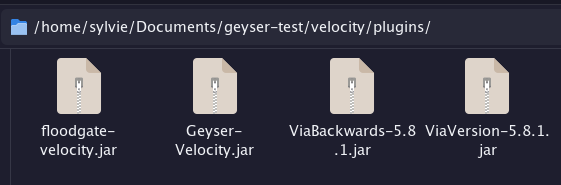
- download the Velocity versions of Geyser, Floodgate, ViaVersion, and ViaBackwards
- place the Geyser, Floodgate, ViaVersion, and ViaBackwards jar files into the
pluginsfolder - run Velocity once and stop it once it has fully started
- see Launching Velocity for the first time if you are self-hosting
configuring velocity
this is not specific to Geyser, see Configuring your servers if my explanation confuses you
- open the
velocity.tomlin Velocity's running directory - find the
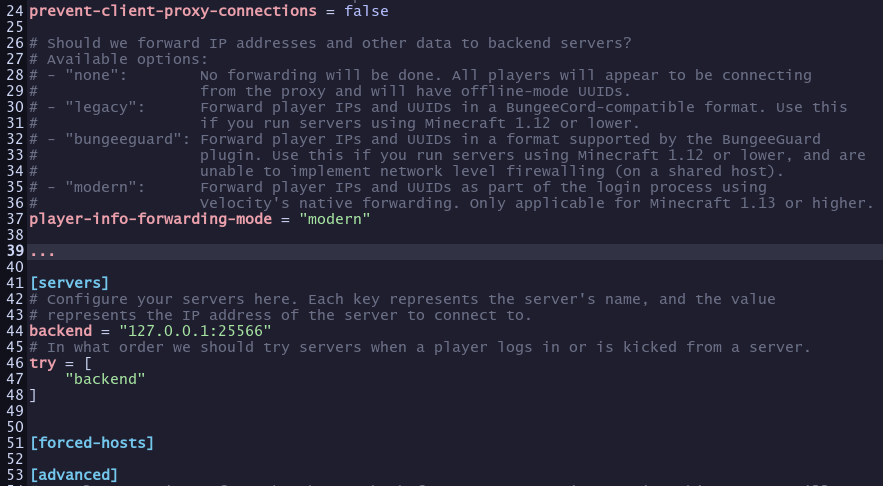
[servers]section and delete the lines starting withlobby =,factions =, andminigames = - remove everything directly after
[forced-hosts]and before[advanced](or the next[whatever]if notadvanced) - add
backend = "127.0.0.1:<port of your server>"if your server is running on the same machine, otherwise usebackend = "<server ip>"- you probably have to edit the port of your Minecraft server to not overlap with Velocity's default of
25565
- you probably have to edit the port of your Minecraft server to not overlap with Velocity's default of
- replace the
trysection withtry = ["backend"] - find
player-info-forwarding-modeand set it tomodern - while you are here, you probably want to edit the
motdfield - copy the contents of the
forwarding.secretin Velocity's running directory
configuring your server
this is also not specific to Geyser, see Configuring modern forwarding
Fabric
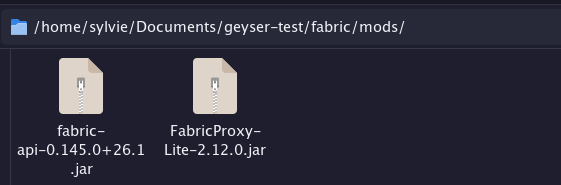
- download FabricProxy-Lite (and Fabric API if you haven't already) and put it in
mods - start the server once to generate the config file
- open the
config/FabricProxy-Lite.toml - set
secretto the string you copied fromforwarding.secret
Paper
- see Velocity's guide, they explain it better than i can here
finishing up
- edit the
config/Geyser-Velocity/config.ymlfile in Velocity's running directory with whatever options your server needs - start Velocity
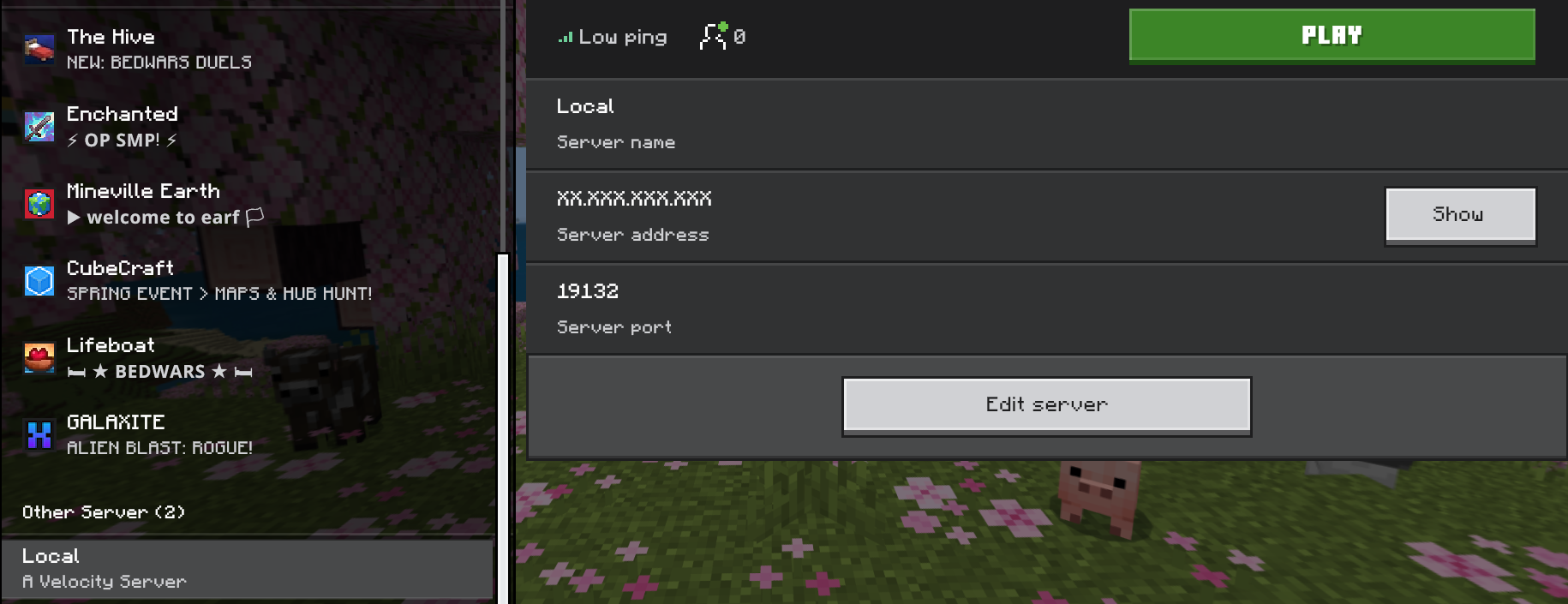
Bedrock players will be able to join with whatever port you specified in the Geyser config file (19132 by default) and the IP of wherever Velocity is running
Java players should join with the server address of wherever Velocity is running